NameCheck SetUp
New customers can go to https://producer.stageclip.com/sign-up to create an account.
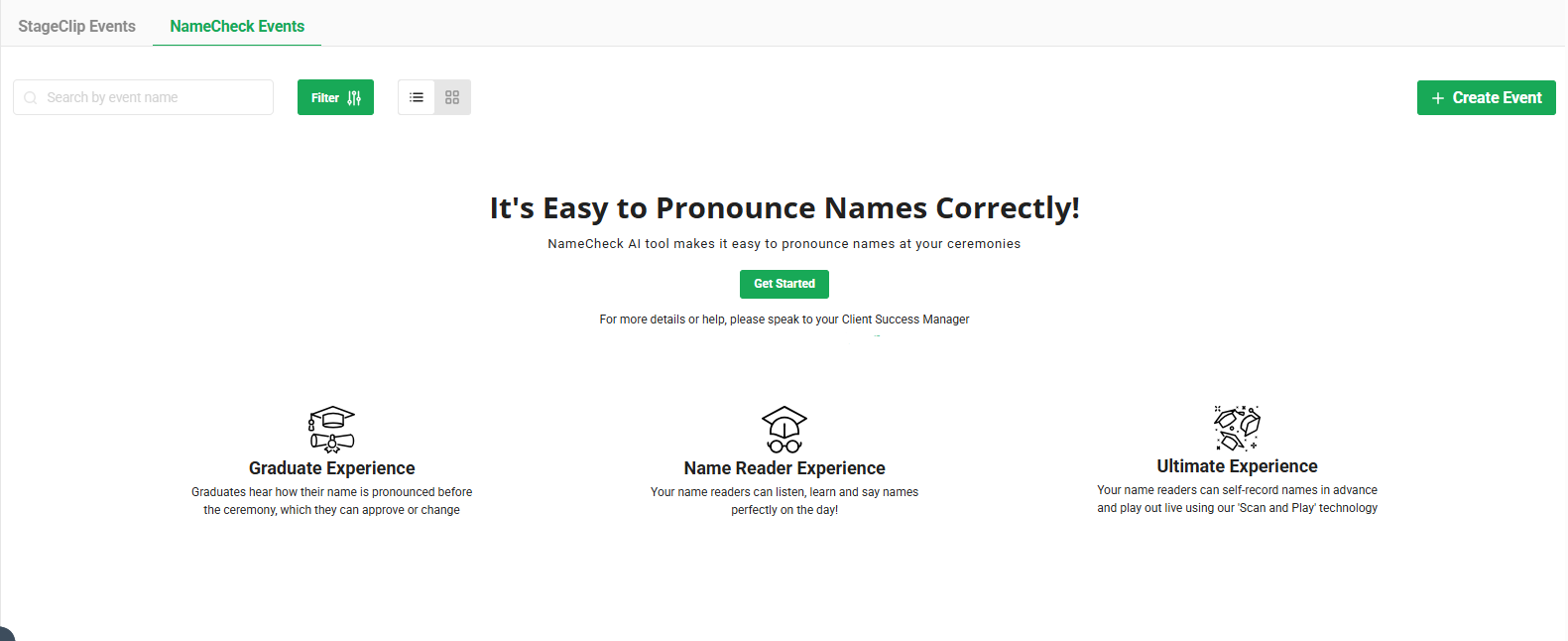
If you are already a StageClip customer, login to your Producer Account and select the NameCheck Events Tab
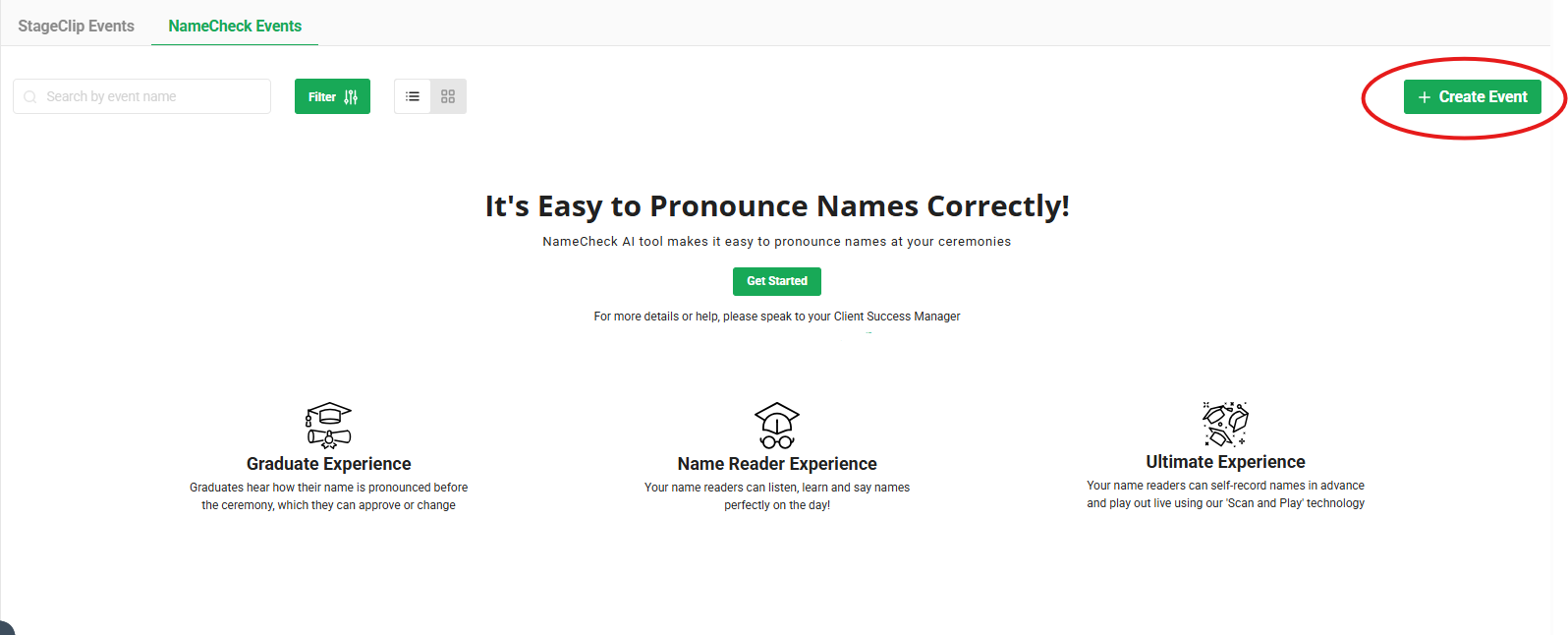
Select Create Event in the right hand corner
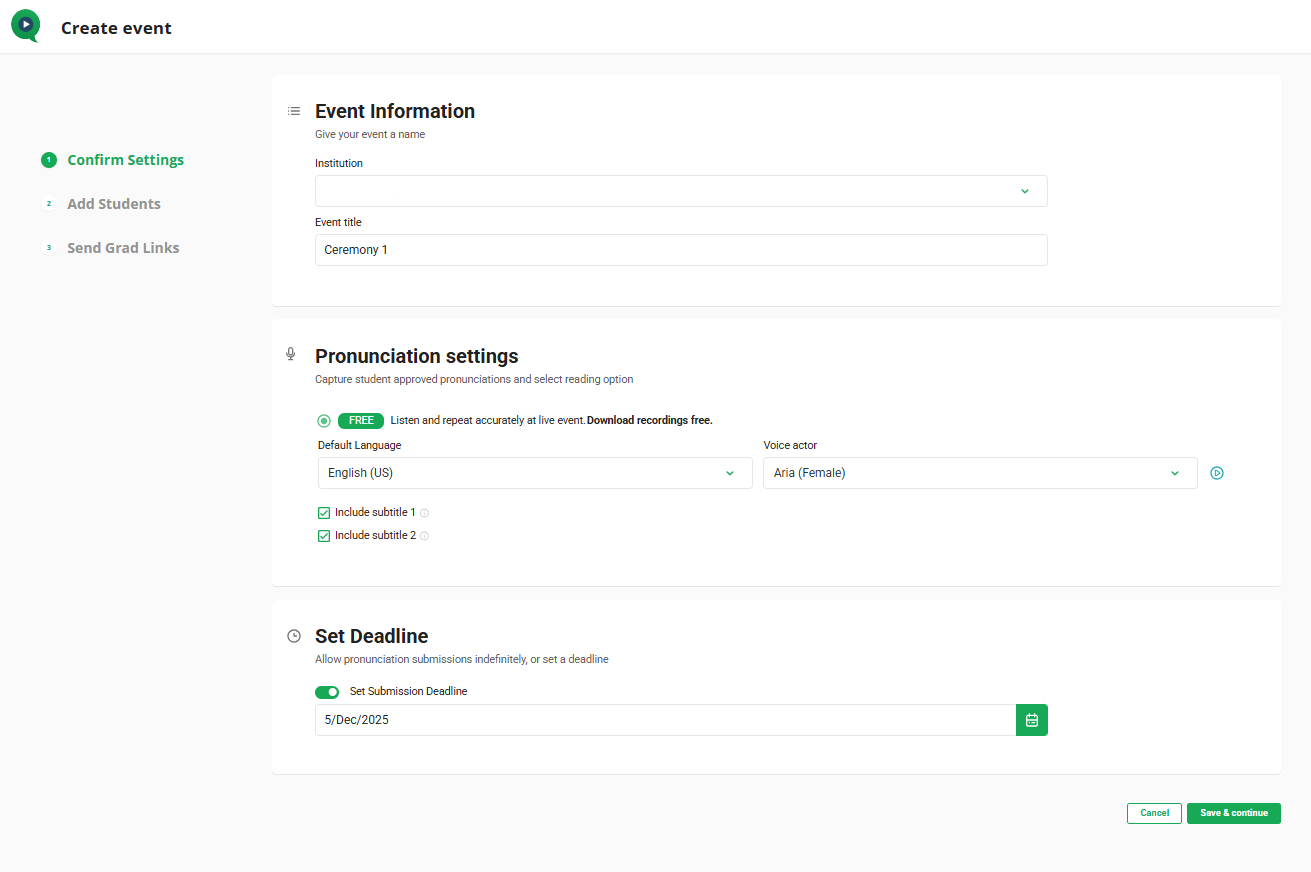
Fill in your event information (your institution will automatically be selected).
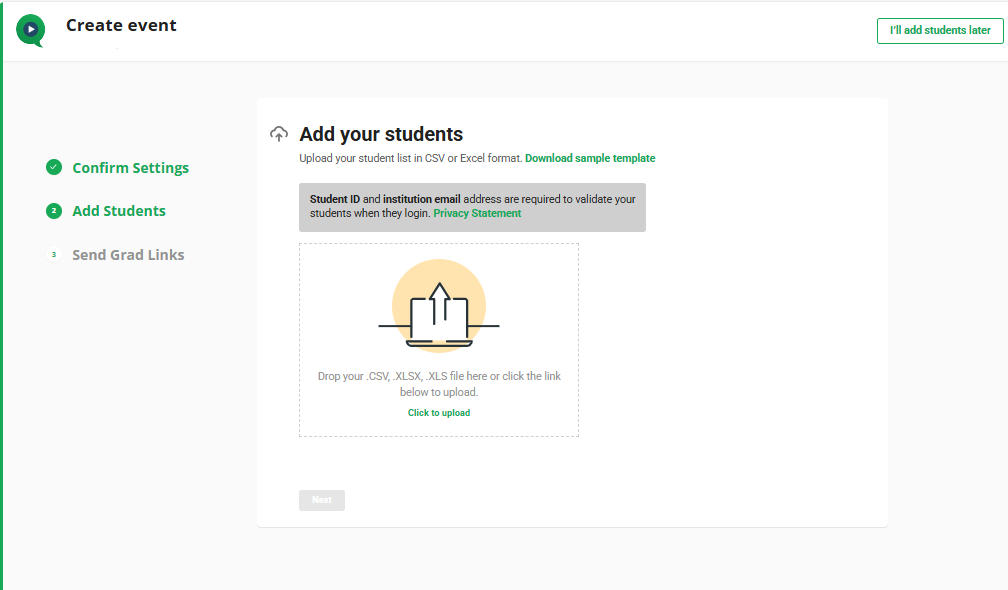
Add in your student list - or select add students later in the top right corner
Student list requirements for NameCheck are:
First Name
Last Name
Email Address (this is how they will login)
Student ID (this is how they will login)
Degree information (this is optional)
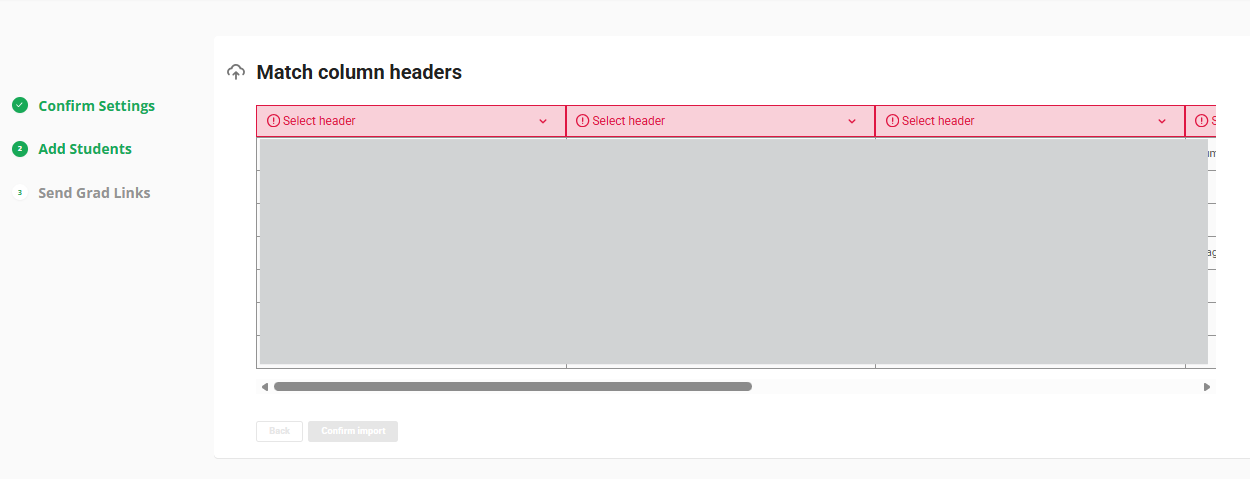
When Names are uploaded - select the headers (name, email, etc)
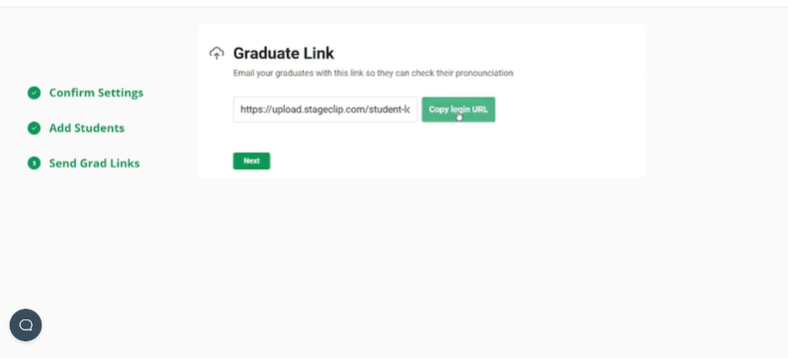
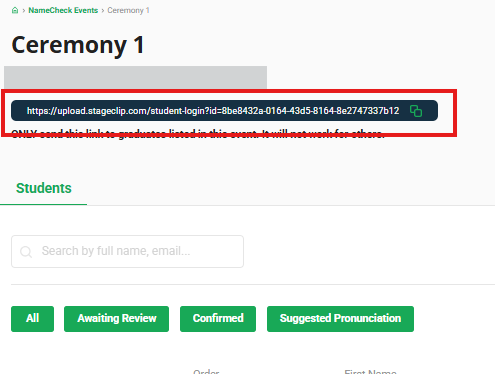
Once the list is uploaded, copy the URL to send to graduates! (the URL can also be found on your NameCheck event page) (NameCheck Emails)
(where to find the link on event page is below)
NAME PRONUNCIATION STATUS KEY:
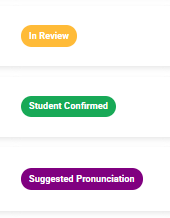
"Suggested Pronunciation" all students will show up as suggested pronunciation
"Student Confirmed" student has confirmed their name (or it has been approved by admin)
"In Review" student has submitted phonetics and needs approval
When a student submits their name phonetics they will change to "Awaiting Review". Once you approve the students name change (or just their name confirmation) they will change to "Confirmed"
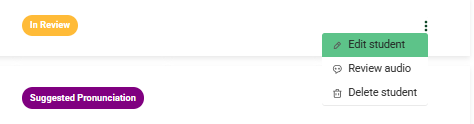
To review a student - you will click the 3 dots on the right of their name and select "Review Audio"
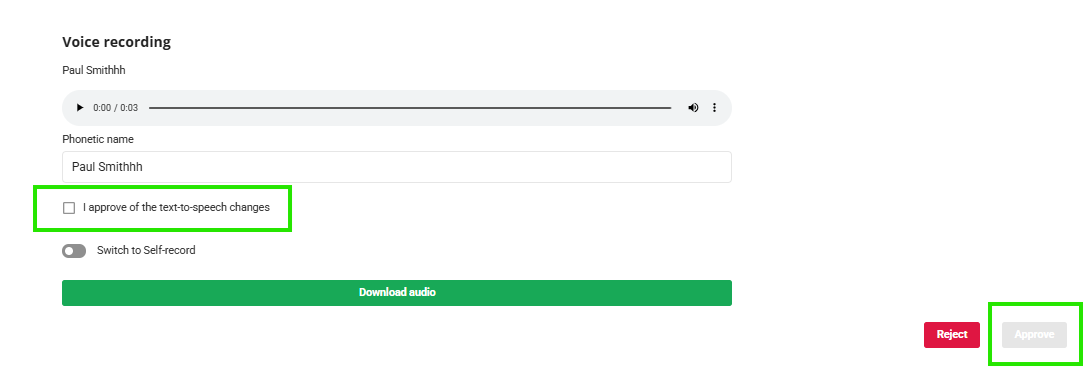
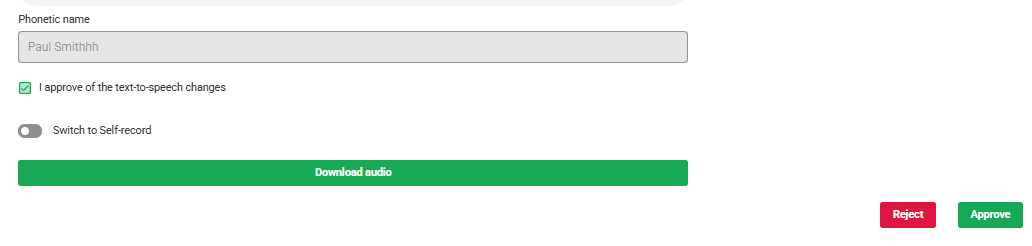
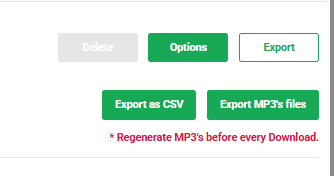
Once all student names have been approved - you can then export as a CSV to show pronunciations OR you can export MP3 audio files.